Windows app · Live
TrayPilot
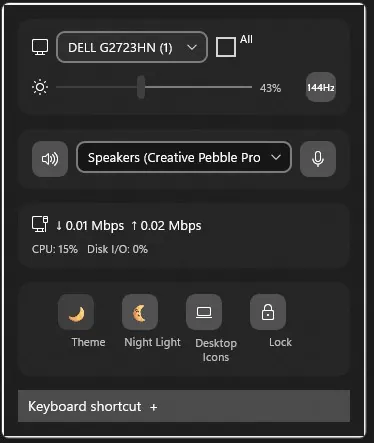
A compact Windows 11 flyout that keeps everyday controls close: adjust supported monitors, pick playback devices, watch live throughput and tweak common settings. You choose the shortcut that opens it.
Who it is for: For Windows 11 users who want display, audio and network controls one click away in the system tray.
What it does
- Adjust brightness on supported monitors, with a laptop-panel fallback
- Switch playback devices and mute speakers or microphones in one click
- See download and upload speeds from active network adapters
- Shortcuts for theme, Night Light, power mode, desktop icons and screen lock
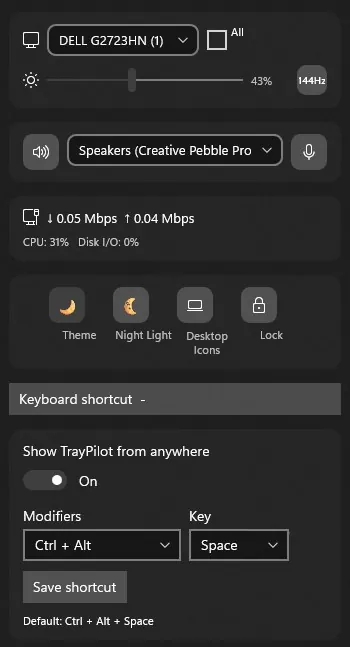
- Pick your own keyboard shortcut to bring up the panel
What it doesn't do
- Require sign-in, cloud sync or usage tracking
- Use the microphone or capture your screen
- Run an always-on background service
Screenshots